Yes. You can check whether AI names your business with Claude or ChatGPT, for free, using three prompts and a notes file. It works well as a first look. One unsaved chat is only one sample, though, so keep your answers and repeat the check before you trust it.
This post gives you the prompts, a way to read an answer’s sources, and the limits of a single hand check. Our own Sep 30, 2026 scan of answersky.com is the example.
What do you need before you start?
An assistant that is searching the web, a fresh chat for each question, and a notes file.
- Web search that actually ran. As of October 2026, Claude’s help center says you can turn web search on from the ”+” menu, that in its newer experience there is no toggle and Claude searches when it helps, and that you can ask for it by writing “Search the web” in your prompt. It also says responses include citations. In ChatGPT, use its search feature; OpenAI says search responses may include citations. Either way, look for the app’s own search activity or indicator, where it shows one. Source links alone don’t prove a search ran, because an assistant can generate a link without looking it up. If you can’t establish that search ran, record the search status as “unverified” and read the answer with that in mind.
- A fresh chat for each question, so earlier conversation doesn’t colour the answer. It doesn’t guarantee that account memory or personalisation is out of the picture, so switch those off if you can.
- A notes file. For every answer, save the exact wording you typed, the assistant, the search status (ran or unverified), the date, and the full answer text.
One limit up front: our scans ask the assistants’ models through their APIs, with web search, and the apps can answer differently. Treat what you find in the app as a first look at one assistant.
Prompt 1: Which businesses does it name in your category?
Ask the question a buyer would type before they know your name. Don’t use your name in it.
I'm looking for [what you sell] for [type of customer] in [place or market].
Which businesses would you recommend, and why? Search the web.
Read the whole answer, and write down every business it names, in order. The names that appear instead of yours show who a buyer meets first.
Prompt 2: Are you named, and how does it describe you?
For the first part you don’t need a prompt. Search the answer for your business name and your web address. If it’s there, note whether it came first or fifth, and whether it links to your site.
When you have many answers to go through, you can ask a second chat to tally them. Paste in one answer and use this:
Below is an AI answer. List every business it names, in the order they
appear, and every website it cites. Only use what is in the text. If
something isn't there, say "not mentioned".

[paste the answer]
The assistant can miss a name in a long answer, so spot-check a few against the original.
Prompt 3: What does AI say about your pricing and features?
This is the one place to use your name, because the question is no longer “would it recommend me” but “does it get me right”.
What does [your business] charge, and what is included? Search the web.
For each fact, say which page it came from. If you can't find a fact,
say so instead of guessing.
Check each line against your own site. Look for an old price, a plan you retired or a feature you don’t have. If the assistant says it couldn’t find something, that tells you the search missed it, not that nothing exists.
You can also paste your live pricing page into the chat and ask it to list every difference from its answer. It can only compare what you paste.
Step 4: Which sites does the answer cite?
Use the Prompt 1 answer you already have, not a new question. Open the sources or citations the app shows with that answer and record each one: the site, the page, and which recommendation it sits next to.
ChatGPT’s Sources view can hold two different things. OpenAI’s help page describes cited sources and other relevant links, and warns that sources can be incomplete or incorrect. Record the two in separate columns so you don’t count a related link as a citation.
Don’t use the assistant’s own description of what it read as your record. To discover pages on your topic, ask in a separate chat and label the result “discovery”, not “cited”:
Search the web for: [your buyer's question]. List the pages you found,
with title and address, and say which name specific businesses.
You may see few or no cited sites. In our Sep 30, 2026 scan, 8 of ChatGPT’s 27 answers listed no sites at all, while every one of Perplexity’s 27 listed at least 4. That was through their APIs and the apps may differ, but it shows why this step can come back empty.
How many sites each answer listed
Answersky scan, Sep 30, 2026. ChatGPT and Perplexity, 27 answers asked on each.
Answers that listed no cited site
- ChatGPT
- 8 of 27
- Perplexity
- 0 of 27
Distinct cited sites listed per answer (lowest to highest)
- ChatGPT
- 0 to 9
- Perplexity
- 4 to 32
Of ChatGPT's 27 scan answers, 8 listed no cited site; Perplexity's 27 scan answers all listed at least one. Per answer, ChatGPT listed between 0 and 9 distinct cited sites; Perplexity between 4 and 32. Gemini is left out: its source links come back as redirect addresses we do not resolve yet, and 3 Gemini answers were empty.
| Assistant | Answers with no cited site | Fewest cited sites in one answer | Most cited sites in one answer |
|---|---|---|---|
| ChatGPT | 8 of 27 | 0 | 9 |
| Perplexity | 0 of 27 | 4 | 32 |
Does this actually work?
Yes, and it costs nothing beyond the plan you already have. (Claude’s help center says free plans have usage limits, and web searches count toward them.) If an answer leaves you out, or gets your price wrong, you’ll see it in one sitting.
Where does a single hand check fall short?
A hand check can give you a source record, counts, a trend and fix ideas if you save every answer and repeat the method. The limits below are those of one unsaved check, or of manual work.
One run is one sample
One answer is one draw. If it skips you, that doesn’t show it always will. If it names you, that doesn’t show it always will.
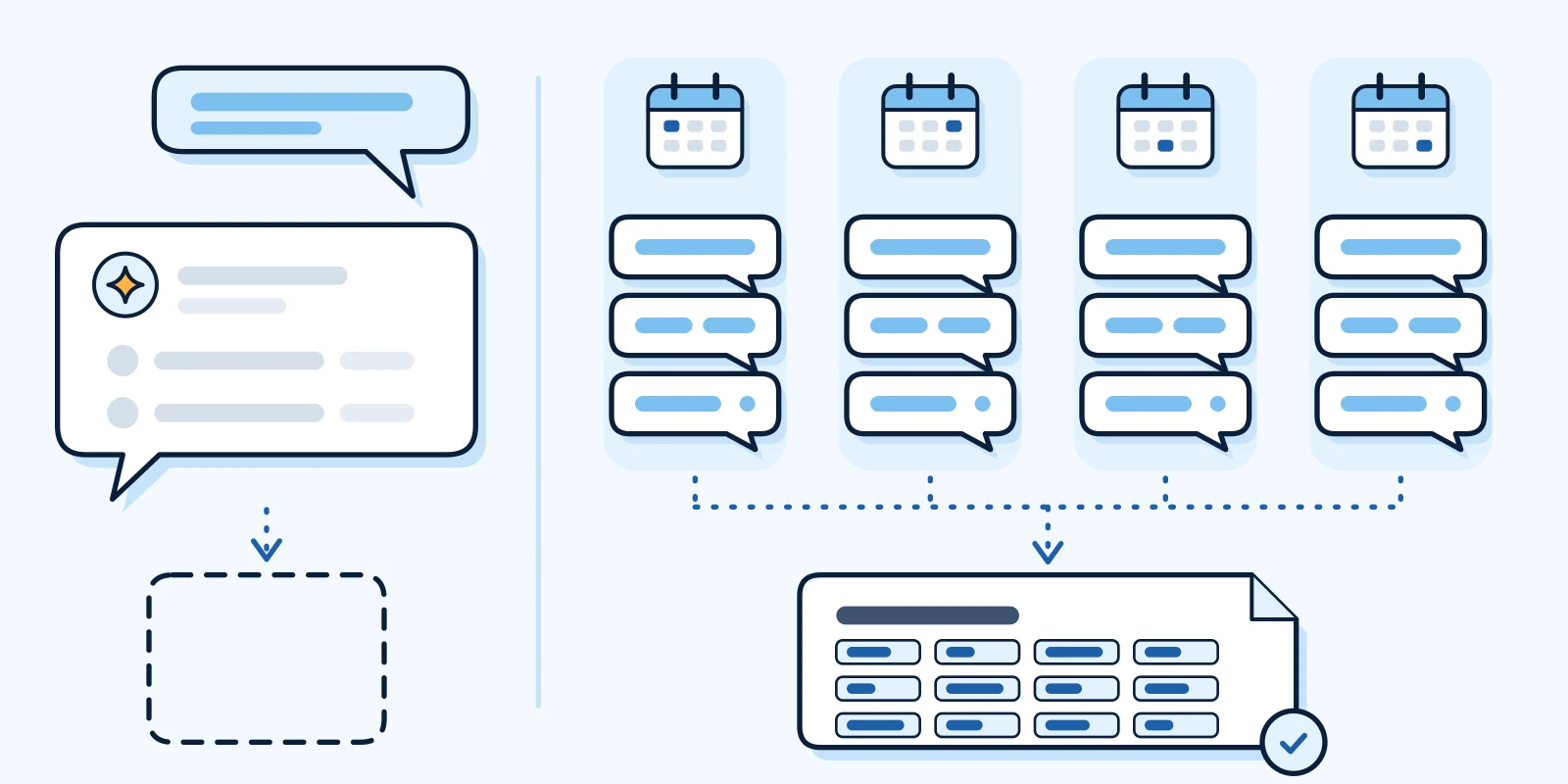
In our Sep 30 scan, Answersky was named in none of 78 answers, so our result didn’t vary. What did vary was everything around it. For one question we asked in 3 different wordings, ChatGPT’s three answers each named a different set of other tools. For another, ChatGPT’s three answers listed 0, 1 and 4 sites. Perplexity’s three answers to one question listed between 4 and 18.
Those are 3 wordings of one question, asked once each, not the same wording repeated over time. That difference matters for how you check. To see run-to-run change, repeat the exact wording on different days. To see wording change, vary the wording. Our how it works page explains why we use 3 wordings.
Sources take work to keep
A chat scrolls away, so a source record exists only if you copy the sources from every answer. A round of 3 example questions in 3 wordings on 2 assistants is 18 separate answers to log.
The counts only exist once you’ve done that. In our scan, the most-cited site appeared in 12 of the 54 ChatGPT and Perplexity answers. That kind of figure comes only from recording every answer’s sources. The sites AI cites post groups a selection of the sites cited in that scan.
A trend needs the same questions, repeated
A new chat is not a reliable record of what an earlier one said, so don’t rely on an assistant’s recall. To see whether anything changed, keep the questions and wordings fixed, save each original answer, add a dated row each time, and compare the saved originals. Our post on checking if ChatGPT mentions your business has a sheet to copy. It takes discipline, and a missed week leaves a gap.
Fix ideas are hypotheses
You can paste your pages and the answers you saved into Claude and ask what to change, and it can give useful ideas. They are hypotheses, not proven causes. Nobody outside the assistants’ makers knows exactly why one business is named over another, and we don’t claim to. Change one thing at a time, then re-check.
What does repeating and recording the check add?
Done carefully, a hand check can do all this. What a repeated, recorded method adds is steadiness:
- Several wordings and repeats mean one lucky or unlucky answer doesn’t decide the result.
- Cited-site counts show which sites keep coming up across answers, not just the few you happened to see.
- The same questions on a schedule let a change show up as a change.
Our Sep 30, 2026 baseline of answersky.com asked each question in 3 wordings, once each, and kept every answer and its cited-site counts. Repeat checks are still to come: we plan to ask the same questions again and post the results in our public log. We can’t promise any of it changes what the assistants say.
If you’d rather have a first look done for you, there’s a free Quick Scan below. If the hand check is enough, you can stop here.